


See how to check IPVA, licensing, traffic fines and the situation of your vehicle
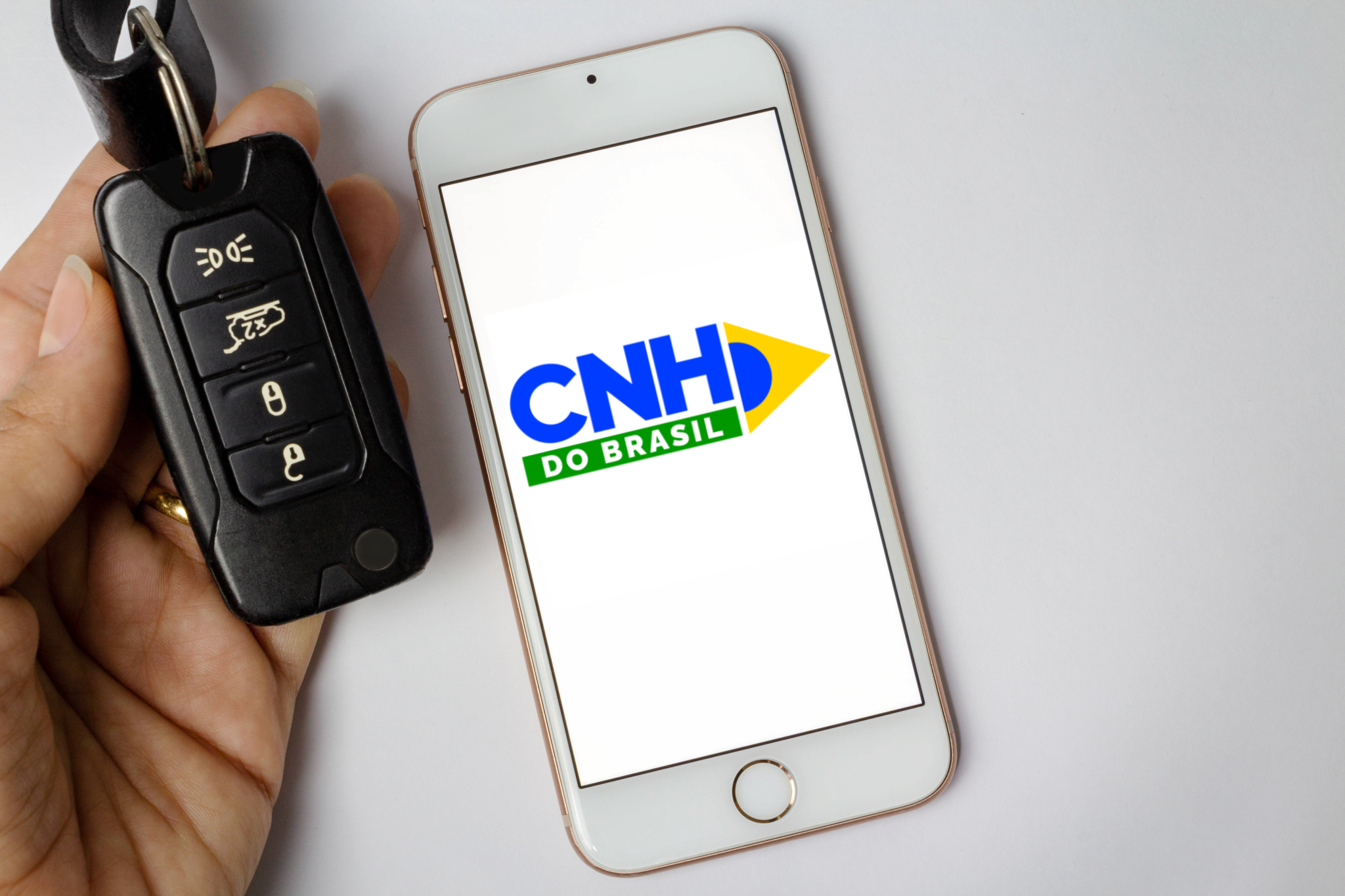
It is possible to check if taxes and other debts associated with your car are up to date through the internet or the CNH do Brasil app
By
Julia Vargas
Published on 2026-04-03 at 08:00 AM
Updated on 2026-04-03 at 08:20 AM
Published on 2026-04-03 at 08:00 AM
Updated on 2026-04-03 at 08:20 AM
Be the first to comment.
Summarize with:
Each year, car owners have to issue the Vehicle Registration and Licensing Certificate (CRLV) to circulate on public roads, but this is only possible if the vehicle’s situation is regular. It turns out that many drivers only realize that they have some pending issues when they are prevented from issuing the CRLV.
And this is a risky scenario, as circulating with the expired car document is a very serious infraction with a penalty of seven points on the National Driver’s License (CNH) and a fine of R$ 293.47. To avoid this inconvenience, it is necessary that the vehicle’s situation is regular.
SEE ALSO:
- Digital CRLV: see how to download and share the document
- Find out how to check the vehicle’s status by license plate for free
- Renach: what it is, how to consult by CNH or CPF and what it is for
This includes having taxes and other pending issues paid or resolved, such as:
- Motor Vehicle Property Tax (IPVA);
- Annual licensing;
- Outstanding traffic fines;
- Pending recall;
- Administrative Restrictions
- Financial constraints
But, how do you know if all these debts are properly settled? In this article you can check how to check the situation of your vehicle and what to do to regularize and issue your CRLV.
How to check the status of your vehicle
The consultation of the vehicle and its possible pending issues can be done online in a simple and fast way, both through the websites of the State Traffic Departments (Detran) and the National Traffic Secretariat (Senatran), as well as the CNH do Brasil application, formerly the Digital Traffic Card (CDT).
Consultation on the Detran website
The procedure is simple and completely digital:
- Access the DMV website of the state where the vehicle is registered.
- Search for the Vehicles area.
- Click on “Check the status of the vehicle”.
- Sign in with the gov.br account.
- Enter the vehicle’s data.
After this process, the system generates a report with the current status of the vehicle.
Check vehicle status in the CNH do Brasil app
To consult traffic violations, simply:
- Install the app on your cell phone (available for Android or iOS);
- Log in with your Gov.br account.
- Click on the “Infractions” field, located on the main screen;
- Select from the “Per Offender” or “Per Vehicle” options to see the details of each violation.
If the objective is to check other issues, instead of the “Infractions” field, select the “Vehicles” box and choose which car you want to check. As soon as you do so, the list of infractions committed by vehicles owned by you, whose driving has not been contested, will appear in the order “Overdue”; “Winning” and “Paying”.
On the platform, it is also possible to change the offending driver, if you were not the author of the infraction. After verification, the “Real offender” button will appear.
Check vehicle status by Senatran
- Access the Senatran Services Portal;
- Click on sign in with Gov.br and log in with your account;
- On the next page, locate the “Infractions” block;
- Click on “Consult My Infractions”;
- Choose whether you want to see: “Infractions by offender” or “Infractions by vehicle”.
SEE MORE ABOUT

0 Comments
Comments are the sole responsibility of their authors and do not represent the opinion of this site. Comments containing profanity or offensive language will not be published. If you identify anything that violates the terms of use, please report it.