Through the Ministry of Transport application, the driver can start the license process, make appointments, follow the steps, etc.
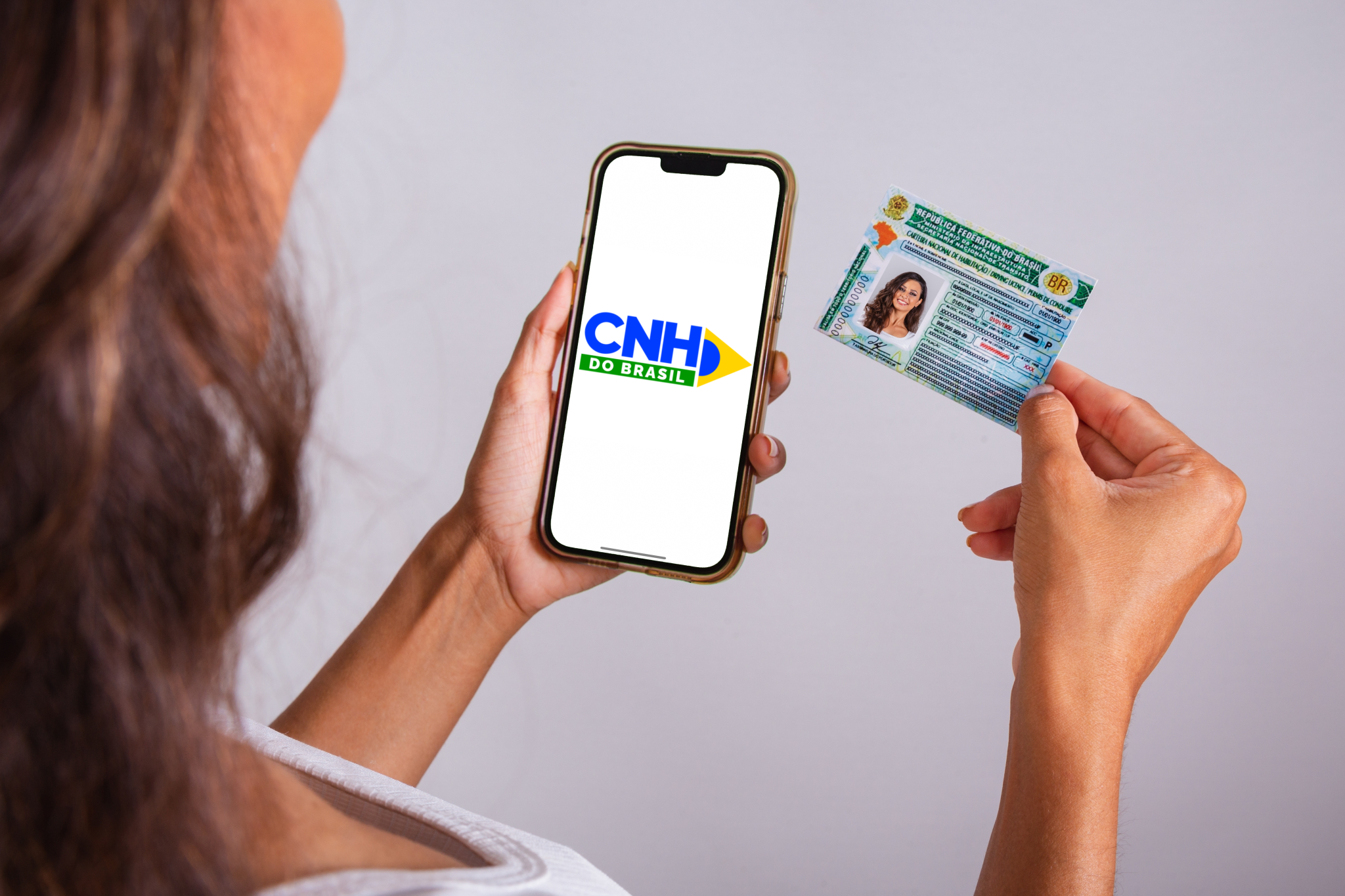
With the new rules for obtaining the National Driver’s License (CNH), the CNH do Brasil application also arrived, which replaced the old Digital Traffic Card app and has several new features. Through its platform, it is possible to carry out the driver’s license, in addition to carrying out activities, scheduling and monitoring the license process.
In this article you can check out what the application is like, what its main functions are and the step-by-step process to get the CNH.
SEE ALSO:
The CNH do Brasil application is an official platform of the Ministry of Transport. By cell phone, the citizen can open the application, follow all the steps, take the free theoretical course and access the digital version of the license.
Like CDT, the app has the following tabs:
Check out, point by point, how to get your driver’s license:
According to the Ministry of Transport, the first step is to download the CNH do Brasil application, available for free on the Google Play and App Store stores. If you already have the previous Digital Transit Card (CDT) application, you need to update it on the platform corresponding to your device.
When accessing for the first time, the user must:
Throughout the process, the candidate can follow the progress of the request on the “Driver” button, which displays the completed and pending steps, such as:
Updates are displayed in real time.
With the opening of the process, the candidate can take the free theoretical course offered by the Ministry of Transport. The material is completely digital, with classes on the following topics:
The content is offered in multiple formats: videos, podcasts and complementary material. The candidate will also be able to take a mock exam to test their knowledge, exactly as they will be charged in the Detran test.
Upon completion of the course, the certificate is automatically issued and registered in the National Traffic System (SNT). The platform saves progress automatically and remains available for review even after it ends.
Once the training is completed, the candidate must schedule the theoretical exam at the DMV. The test contains 30 multiple-choice questions, and it is necessary to get at least 20 right to be approved. The app updates the status as soon as the result is released.
After passing the theoretical exam, the practical course can be started, with a minimum workload of only two hours. The candidate must consult the DMV of his state to check the available options, and the new regulation allows:
Upon completing the training, the status is updated in the app, freeing the student to mark the driving test.
The practical test is the last step before authorization to drive. The evaluation considers maneuvers, vehicle control and safe driving. The approval releases the issuance of the Driving Permit (PPD).
After approval, the provisional document, valid for one year, is available on the CNH do Brasil application. The digital version of the license can be downloaded by following the steps:
Thus, it is possible to present it whenever necessary, as it has the same legal validity as the printed version.
After 12 months of the issuance of the PPD, the driver will have access to the definitive CNH. But this will only be possible if the candidate has not committed serious, very serious infractions or recidivism on average.
According to the effects of Provisional Measure 1,327/2025, the driver will be able to obtain only the digital version, avoiding paying a fee to print the document.